
Check the Payment Status of BISP 8171 SMS
The BISP 8171 SMS Payment Status Check is a crucial financial tool for low-income families in Pakistan, providing quarterly payments to meet daily needs like groceries, medical expenses, and education. As Pakistan’s population grows, verifying payment status through the web portal or SMS service is essential to avoid delays and confusion.
You can read more: BISP 8171 June/July Online Payment Check for Families in Dera Ghazi Khan: Rs 13500
Thousands of beneficiaries face difficulties in checking their eligibility or payment details online due to heavy user traffic, server maintenance, or technical glitches. Timely updating may also be impeded by incomplete entries in the National Socio-Economic Registry. BISP has made it easier for citizens to confirm their payment status through a simple SMS system, even without internet access.
The government plans to roll out multiple payments in 2025, aiming to manage large volumes and ensure smooth disbursement, particularly in rural and remote areas. Phase 1 families have already received Rs. 13,500, with Phase 2 and Phase 3 payments scheduled in the coming weeks. Beneficiaries should stay informed to avoid missing their share due to technical issues or outdated contact details.
Check the Payment Status of BISP 8171 SMS – 2025 Quick Reference Table
The BISP Kafaalat payment verification system uses a simple SMS method to verify payment status, especially for beneficiaries with limited internet access, outdated records, or living in rural areas. The system works 24/7, requires no internet, and offers instant response. SMS can fail if the SIM is not registered in the user’s name, the number in the BISP system is old or inactive, or the NSER survey data mismatch is present. To fix errors, visit the nearest BISP office with the CNIC, call the BISP Helpline, or visit an authorized payment center or campsite for biometric verification. Key tips include keeping the CNIC and SIM updated, never sharing the CNIC/PIN with strangers, using official channels only, and responding to surveys quickly. The official BISP support line is available at 0800-26477 for any payment, SMS, or portal issue.
| Step | Action Required |
|---|---|
| Use SMS to confirm payment. | Enter your 13-digit CNIC number and send it to 8171. |
| Expected Response | Eligible, Not Eligible, or Verification Required |
| When SMS Fails | SIM not in your name, old number in BISP record, or NSER mismatch |
| Fixing Mobile Errors | Visit the nearest BISP Tehsil Office with your CNIC and SIM for an update. |
| Portal Not Working? | For biometric verification, visit the BISP office or campground, or send an SMS. |
| BISP Helpline | Call 0800-26477 for official assistance |
| Best Practice | Keep CNIC and SIM active and registered; never share CNIC or PIN with others |
Reasons for BISP 8171 Web Portal Outages
BISP 8171 Web Portal Issues
• System designed for families to check payment status, confirm eligibility, and review NSER survey results.
• Heavy visitor load during new payment releases can slow down the portal.
• Remote families face the most stress due to these issues.
• The alternative SMS method becomes the most reliable option when the portal is down.
How Beneficiaries Benefit from the BISP SMS Method
BISP 8171 SMS Service Overview
• Active and simple SMS method for bridging technical barriers.
• Ideal for households with limited connectivity or those without smartphones.
• Works on any mobile phone without internet.
• Provides instant reply with clear payment status.
• Supports all mobile networks in Pakistan.
• Can be used anytime, day or night.
• Easy to understand for low-literacy beneficiaries.
• Ensures easy connection to BISP updates for marginalized households.
How to Use SMS to Verify the Status of Your BISP 8171 Payment
SMS Payment Verification Process
• Open the mobile phone’s messaging app.
• Type the 13-digit CNIC number.
• Send a message to 8171.
• Wait for the BISP system response.
• Response indicates payment approval, data update needs, or eligibility status.
• Expected responses: Eligible, Verification Required, Not Eligible.
• Saves time and effort from multiple BISP center visits and help desk waits.
Causes of Your Failure to Receive the 8171 Payment SMS
Beneficiaries often worry about missing SMS alerts from 8171, but this doesn’t necessarily mean they’re disqualified. The issue usually lies in outdated or incorrect mobile information linked to your CNIC. Common reasons include old or inactive BISP application numbers, SIM not registered in your name, mistakes during the initial NSER survey, blocked or expired SIM cards, or switching numbers without updating BISP records. These gaps can disrupt communication and prevent timely payment updates.
How to Correct Errors in Mobile Numbers in BISP Records
Update Mobile Number for SMS Alerts
• Visit the nearest BISP Tehsil office.
• Carry the original CNIC and SIM registered in your name.
• Request mobile number update in BISP profile.
• Wait 3–5 working days for record refresh.
• Receive new notifications directly on the new number.
How to Proceed If Both the SMS and the Web Portal Fail
8171 Portal and SMS Service Failures
• System-wide maintenance or mismatched records can cause service failure.
• Action should be taken through official channels to avoid missing payment.
• Check payment status at the local BISP Tehsil office.
• Call the BISP helpline at 0800-26477 for real-time assistance.
• Complete biometric verification through thumb impression if necessary.
You can read more: Step-by-Step Instructions for Verifying Payments on the BISP 8171 Web Portal Using CNIC in June 2025
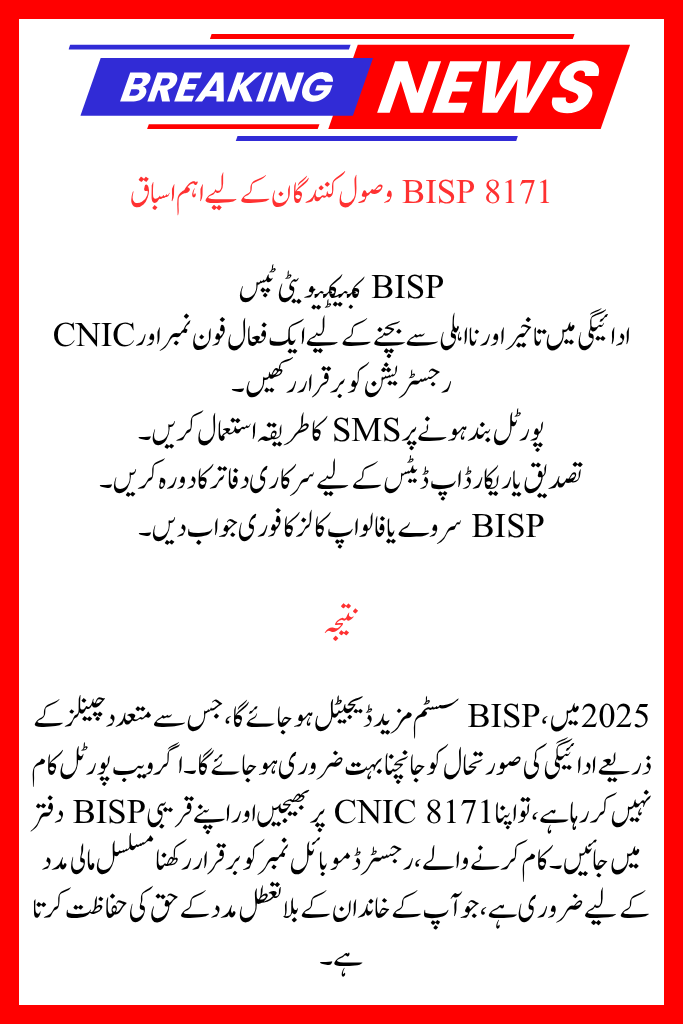
Important Lessons for BISP 8171 Recipients
BISP Connectivity Tips
• Maintain an active phone number and CNIC registration to avoid payment delays and disqualifications.
• Visit official offices for verification or record updates.
Conclusion
In 2025, the BISP system will become more digital, making it crucial to check payment status through multiple channels. Visit the closest BISP office and send your CNIC to 8171 if the website isn’t functioning. Maintaining a working, registered mobile number is essential for continuous financial help, protecting your family’s right to uninterrupted support.
FAQs
1. What should I do in the event that 8171 doesn’t send me a payment SMS?
An out-of-date or defunct phone number might be the cause of your lack of SMS. To change your contact details, go to the BISP office that is closest to you with your original CNIC and a SIM card that is registered in your name.
2. If I don’t have an internet connection, how can I verify my BISP 8171 payment?
By texting your 13-digit CNIC number to 8171, you may check your status. All mobile phones can use this, and internet connectivity is not necessary.
3. What happens if the BISP portal and SMS service are both down?
In this situation, go to the approved payment center or the closest BISP Tehsil office. Alternatively, you can proceed with biometric verification at a BISP campground or contact the official BISP helpdesk at 0800-26477 for assistance.